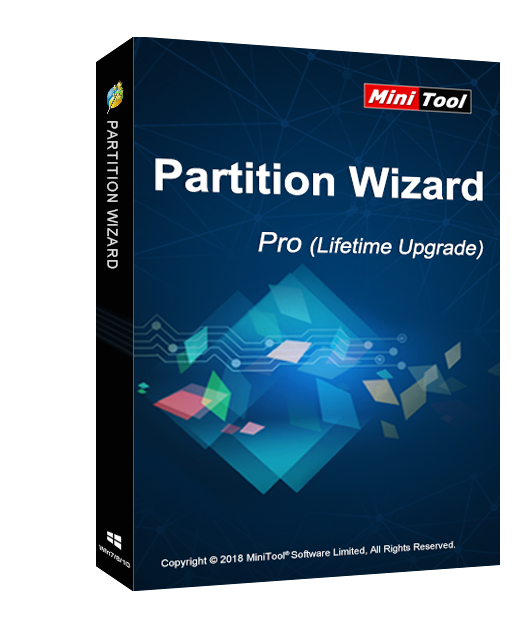
MiniTool Partition Wizard Pro 11 (Lifetime Upgrade) Key Global
38.84GBP
70.08GBP















 -84%
-84% -34%
-34% -36%
-36% -83%
-83%MiniTool Partition Wizard Pro Standard is an easy-to-use partition manager software with comprehensive functions. It offers partition management for different Win systems. MiniTool Partition Wizard fully supports the mainstream file systems, and it also gives perfect support on GPT partitions.
Main Features
Partition Management
Change Partition
Covert Disk
Copy Disk
Clean Disk
Check Disk
Dynamic Disk Managament
Boot Media Builder
System Requirements and Supports
Supported Operating Systems such as Win 2000/XP/Vista/7/8/10.
Supported Files such as FAT12/16/32, NTFS, Ext2/3/4, and exFAT.
Supported Storage Devices.
UEFI/EFI boot.
MBR disk and GPT disk.
All storage devices recognized by Win, such as RAID, etc.
Traditional hard disk drives, solid-state drives (SSD), SSHD, etc.
External hard drives, USB drives, SD cards, and other removable media.
V11 Latest Upgrade!!
Add Disk Benchmark feature.
Add Space Analyzer feature.
Select existing partitions by default during partition recovery process.
Register on Free/Demo Edition directly.
The activation code is the "1-Year Upgrade" license, which supports 1 PC with version upgrade protection. In such case, you need not to pay additional fee to upgrade the current version to each later version within 1 year.
Download, Install and Register
You can download MiniTool Partition Wizard Pro 11 Standard via the link:
https://www.partitionwizard.com/download/v11/pw11-free.exe
To install MiniTool Partition Wizard Pro 11 Standard:
Run the setup program -> Accept License Agreement -> Select destination location -> Follow the installation guide -> Finish
Online Registration
After installing and launching MiniTool Partition Wizard Pro 11 Lifetime Upgrade, a register window pops up. At this time, you need to copy the activation code you received and paste it into the text box, then press Activate. By doing these, you have finished online registration.
Notes
For a successful registration, please make sure no blank is left in any location of the activation code.